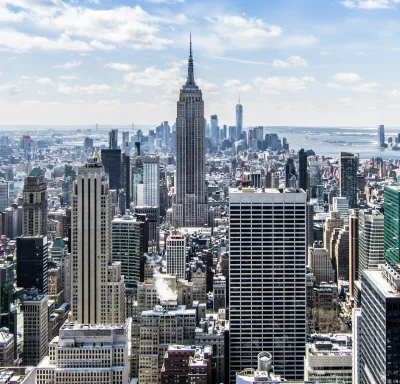
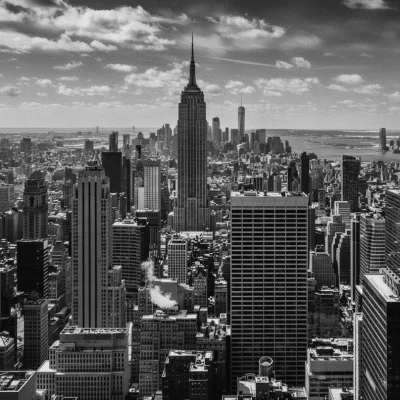
Black & White Contrast
Timeless elegance! Transform into a stunning high-contrast black and white portrait with deep blacks and beautiful texture.
Upload your photo. Get a dramatic black and white portrait with beautiful lighting.
You May Also Like
 1 credit
Info
1 credit
Info
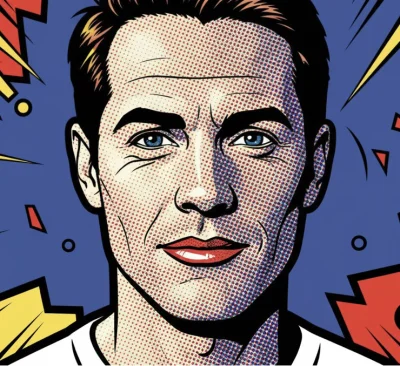
Comic Book
POW! Transform into a bold Roy Lichtenstein-style pop-art comic book illustration with Ben-Day dots and vibrant colours!
 1 credit
Info
1 credit
Info
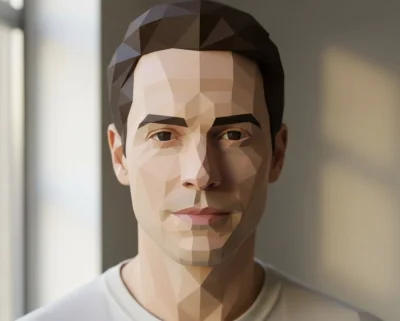
Low Poly
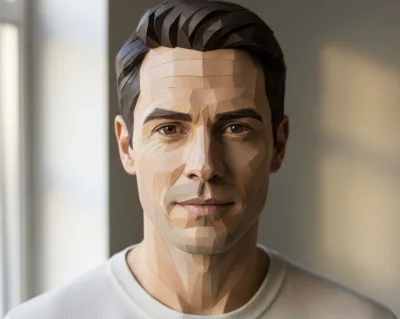
Get that stunning geometric look! Transform into a minimalist low-poly 3D art style with faceted surfaces and clean angles.
 1 credit
Info
1 credit
Info
Papercraft
Get that handmade craft look! Transform into intricate papercraft art with layered textures and delicate cut-paper details.
 1 credit
Info
1 credit
Info
Pop Art Poster
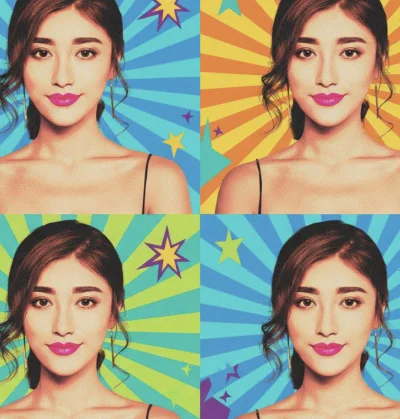
Make it pop! Transform any image into a bold Andy Warhol-inspired pop-art poster with vibrant colors, graphic shapes, and that iconic mid-century aesthetic.
 1 credit
Info
1 credit
Info
Rain
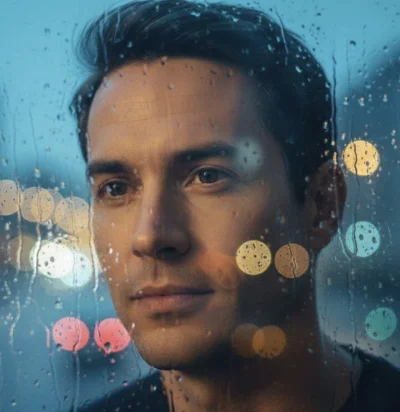
Find your contemplative moment. Get a moody, artistic portrait shot through a rain-streaked window with beautiful city bokeh.
 1 credit
Info
1 credit
Info
Risograph
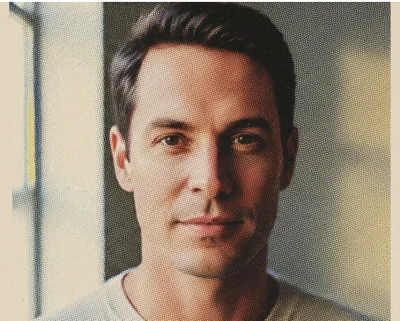
Get that indie print shop vibe! Transform into a trendy risograph print with vibrant overlapping colours and that distinctive grain.
About This Action
Timeless elegance! Transform into a stunning high-contrast black and white portrait with deep blacks and beautiful texture.
There's a reason black and white photography never goes out of style - it's pure, timeless, and dramatic. This action transforms your photo into a stunning monochrome masterpiece with strong contrast, rich deep blacks, and beautifully preserved shadow details. The added grain and texture give it that classic film photography feel.
How to Use
If you're looking for a prompt to create a dramatic black and white portrait, this action already includes one — tuned, tested, and ready to run in a single click.
- Upload a clear photo of yourself
- Select your preferred aspect ratio
- Click 'Generate' for classic monochrome
- Download your timeless portrait
Tips for Best Results
- Photos with good lighting produce the most dramatic contrast
- Strong facial features really shine in black and white
- Side-lit photos create beautiful shadow definition
- Clear, sharp images translate into detailed grain textures
- Serious or contemplative expressions suit the classic style
Common Use Cases
People use this to skip writing prompts like "create a dramatic black and white portrait" and jump straight to stunning monochrome for profile pics, gifts, social media, and artwork.
- Classic, timeless profile pictures
- Professional portfolio headshots
- Artistic wall prints
- Elegant social media aesthetics
- Award and recognition photos
- Editorial and magazine style content
Works Best With
- Single clear photo
No. This page already uses a pre-built AI prompt optimized for Black & White Contrast-style images. Just upload your photo and the transformation handles the prompt automatically.
Yes — this transformation is based on a high-quality prompt designed specifically for realistic Black & White Contrast images, but it runs for you with one click instead of manual prompting.
For most people, yes. Writing prompts that preserve facial features while changing style is difficult. This action uses a tested prompt that's already optimized for consistent results.
1 credit per generation
Usually 10-30 seconds depending on the complexity
Yes, all generated images are yours to use as you wish
How This Works
Expert prompt writers don't start by describing the effect — they start by deciding what must stay the same and what's allowed to change.
For black and white portraits, that means preserving facial structure and expression first, then layering in high contrast, deep blacks, and beautiful grain texture in the right order.
This action uses a tuned AI prompt that applies those decisions automatically.
It prioritizes facial consistency, then introduces monochrome elements like dramatic shadows, tonal range, and professional film-like grain — without overwhelming the original photo.
The result is the kind of output you'd normally only get after writing, testing, and refining prompts multiple times, delivered in a single click.