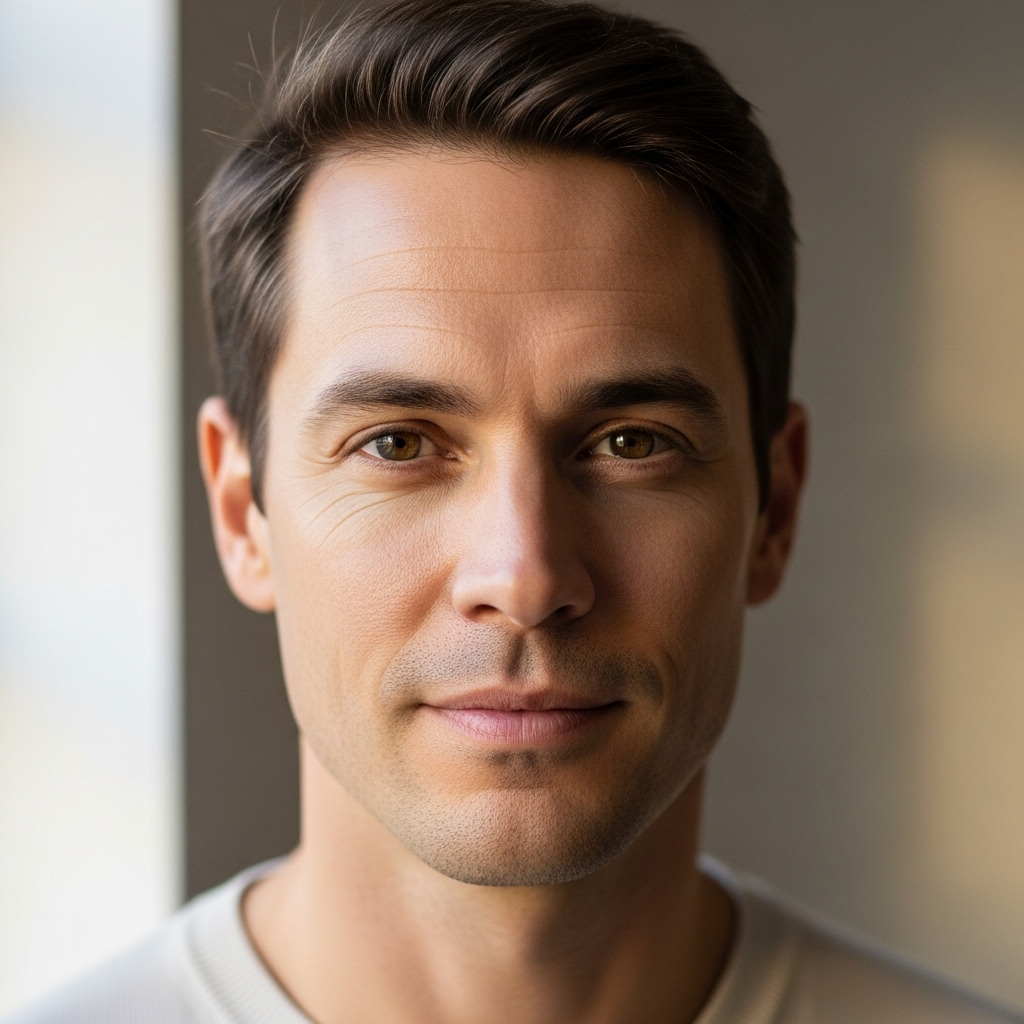
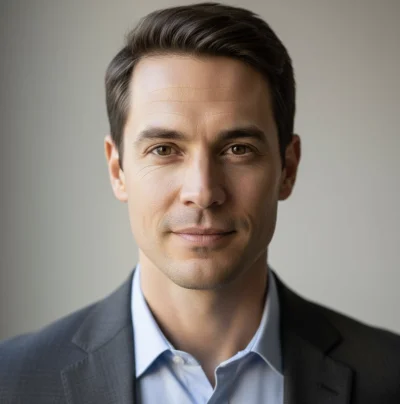
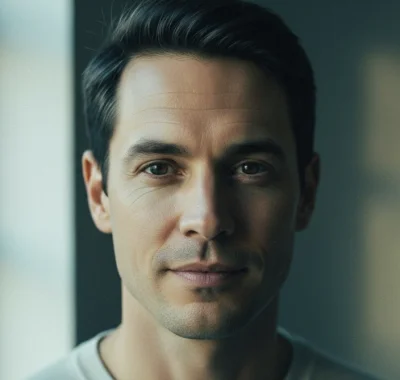
Professional Headshot
Level up your professional presence! Get a polished, studio-quality headshot perfect for LinkedIn, resumes, and business profiles.
Upload your photo. Get a clean professional headshot for LinkedIn or work.
You May Also Like
 1 credit
Info
1 credit
Info
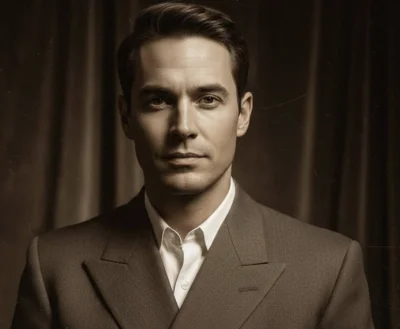
1940s Studio Portrait
Step back in time with a gorgeous 1940s Hollywood-style studio portrait featuring Rembrandt lighting and warm sepia tones.
 1 credit
Info
1 credit
Info
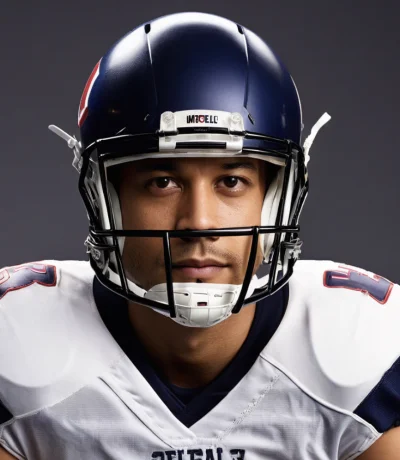
American Football Player
Get in the game! Transform into a professional American football player with authentic gear, stadium lighting, and that game-day intensity.
 1 credit
Info
1 credit
Info
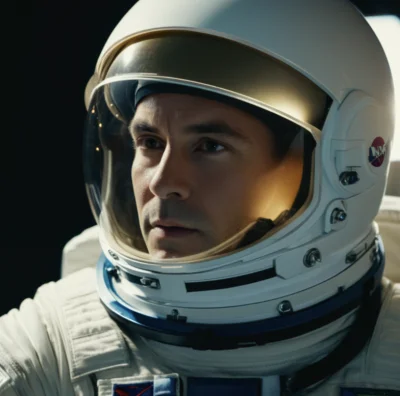
Astronaut Portrait
Turns your photo into a realistic astronaut portrait, like you're geared up for a mission.
 1 credit
Info
1 credit
Info
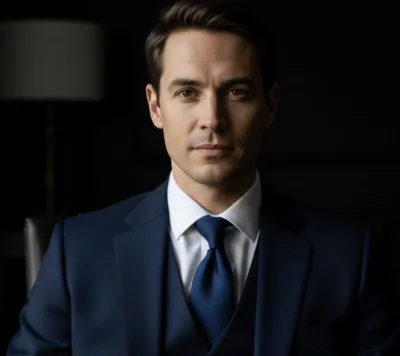
Blue Suit Portrait
Power dressing made easy! Get a sleek professional portrait in a sharp blue suit with sophisticated low-key lighting.
 1 credit
Info
1 credit
Info
Cartoon
Transform yourself into an awesome 90's style cartoon character with bold lines and vibrant colours!
 1 credit
Info
1 credit
Info
Cinematic Portrait
Lights, camera, action! Get a stunning Hollywood-style portrait with dramatic movie lighting and that blockbuster film look.
About This Action
Level up your professional presence! Get a polished, studio-quality headshot perfect for LinkedIn, resumes, and business profiles.
First impressions matter, and your professional headshot is often the first thing people see. This action transforms your photo into a polished, studio-quality headshot with perfect lighting, professional attire enhancement, and that approachable yet confident look that makes recruiters and clients take notice. It's like having a professional photographer on demand!
How to Use
If you're looking for a prompt to create a professional headshot, this action already includes one — tuned, tested, and ready to run in a single click.
- Upload one or more clear photos of yourself
- Select your preferred aspect ratio (1:1 works great for most platforms)
- Click 'Generate' to create your professional headshot
- Download and update all your professional profiles
Tips for Best Results
- Front-facing photos with neutral expressions work best
- Good lighting in your source photo produces better results
- Multiple photos help the AI understand your features
- Avoid heavy filters or makeup that obscures your natural look
- Simple backgrounds in your original photo help focus on you
Common Use Cases
People use this to skip writing prompts like "create a professional headshot" and jump straight to polished business photos for LinkedIn, resumes, and corporate profiles.
- LinkedIn profile pictures
- Resume and CV photos
- Company website team pages
- Email signatures
- Conference speaker profiles
- Business card photos
Works Best With
- Single clear photo
- Single clear photo
- Single clear photo
No. This page already uses a pre-built AI prompt optimized for Professional Headshot-style portraits. Just upload your photo and the transformation handles the prompt automatically.
Yes — this transformation is based on a high-quality prompt designed specifically for realistic Professional Headshot portraits, but it runs for you with one click instead of manual prompting.
For most people, yes. Writing prompts that preserve facial features while changing style is difficult. This action uses a tested prompt that's already optimized for consistent results.
1 credit per generation
Usually 10-30 seconds depending on the complexity
Yes, all generated images are yours to use as you wish
How This Works
Expert prompt writers don't start by describing the effect — they start by deciding what must stay the same and what's allowed to change.
For professional headshots, that means preserving facial structure and approachability first, then layering in studio lighting, professional styling, and corporate polish in the right order.
This action uses a tuned AI prompt that applies those decisions automatically.
It prioritizes facial consistency, then introduces professional elements like clean backgrounds, flattering light, and business-appropriate presentation — without overwhelming the original photo.
The result is the kind of output you'd normally only get after writing, testing, and refining prompts multiple times, delivered in a single click.